Capture mistakes quickly
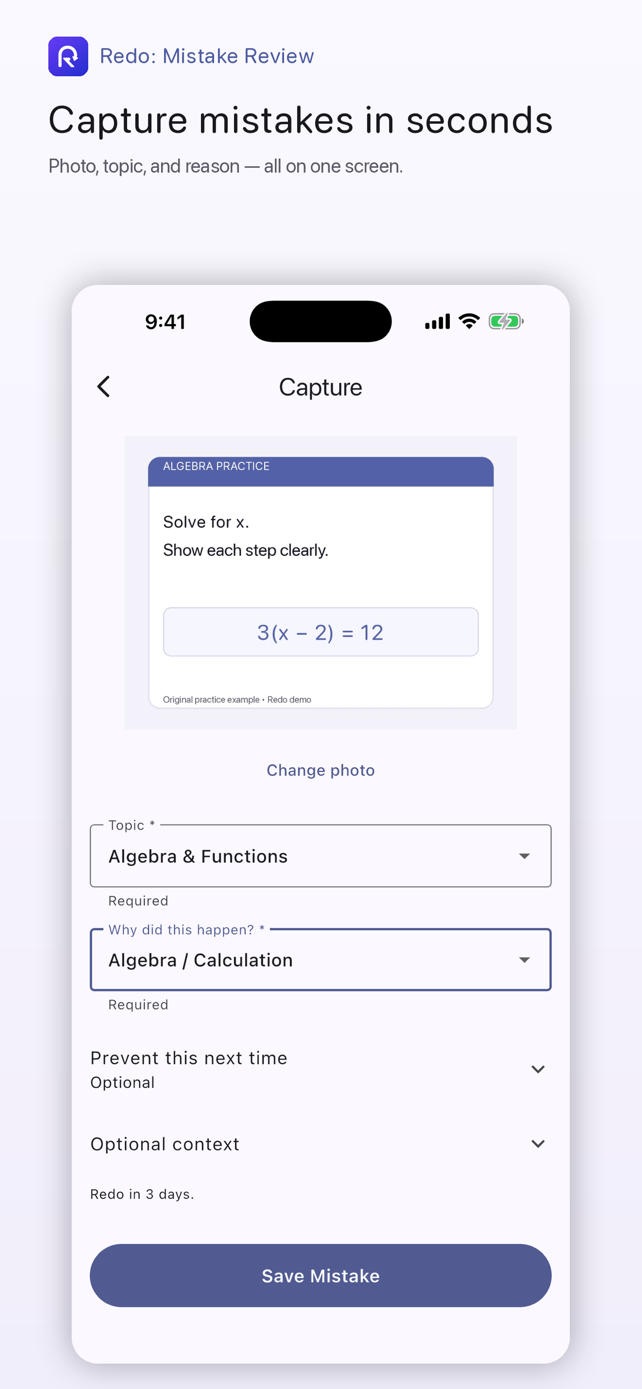
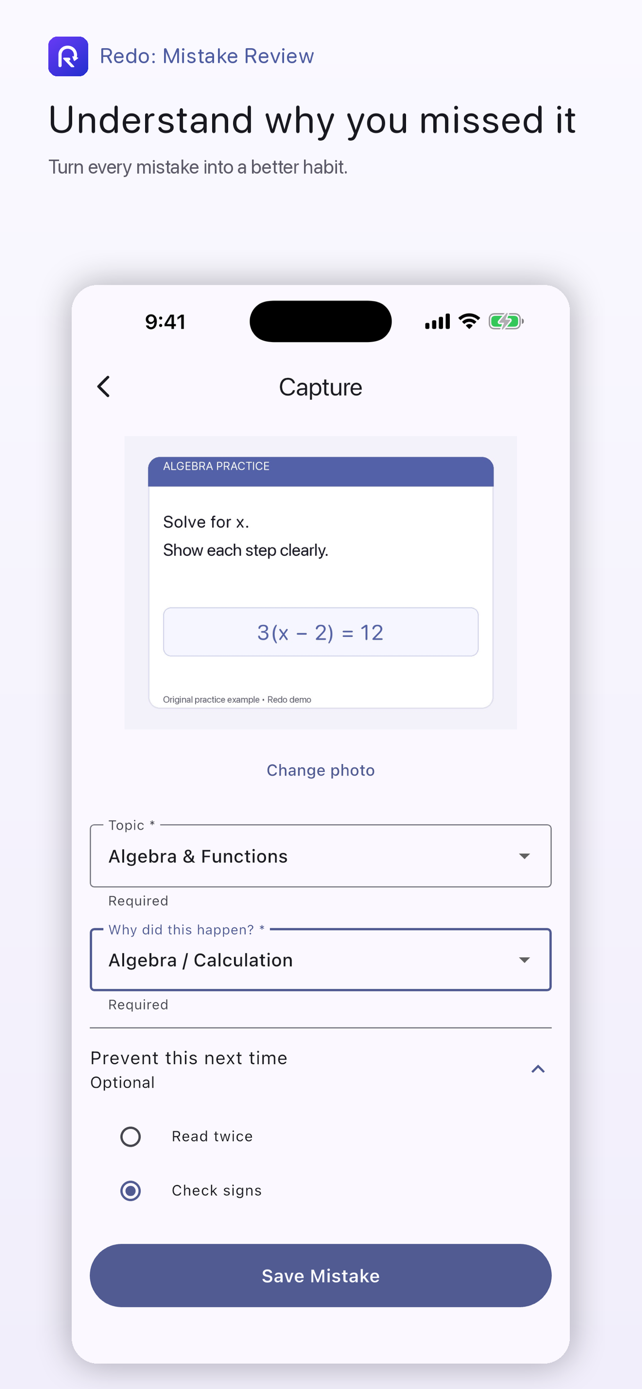
Take a photo or choose an image, then add the topic and what went wrong in one streamlined flow.
Photo · Topic · Reason Redo
App Store
Redo
App Store
Redo: Mistake Review
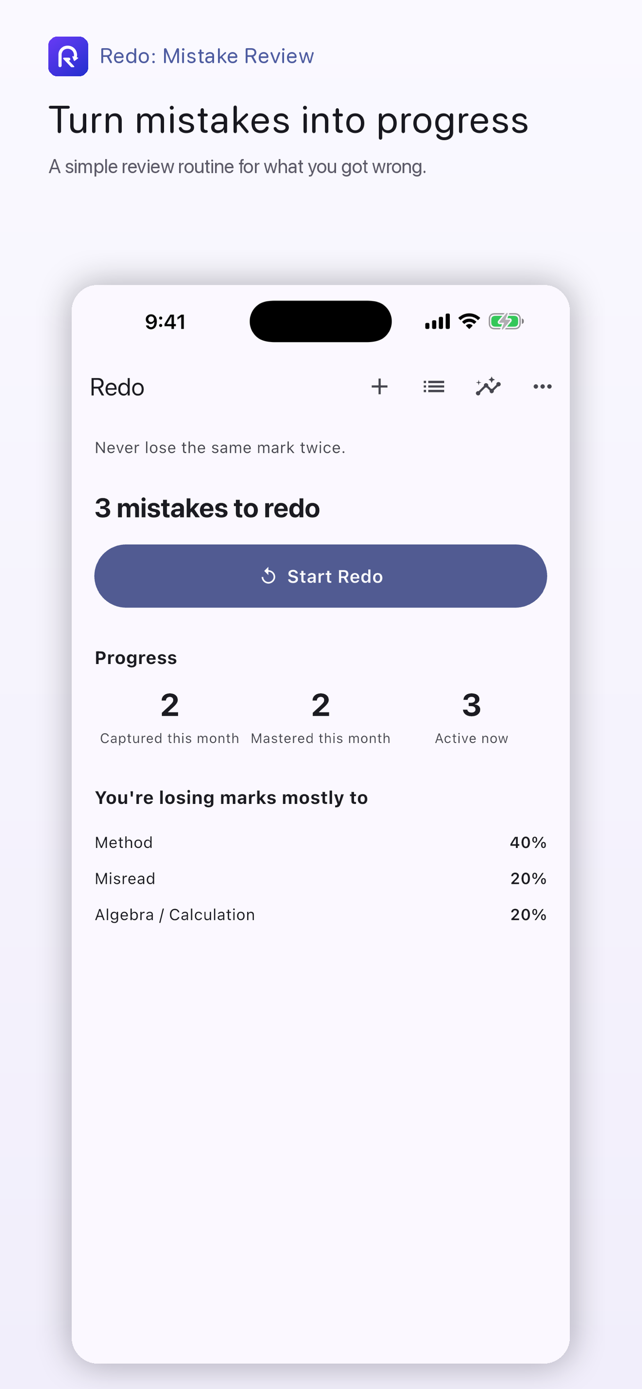
Capture what you got wrong, review it at the right time, and keep practicing until it sticks.
No account required. Your study content stays on your device.
A clearer review habit
Redo keeps the useful parts of mistake review together without turning study into another complicated system.
Take a photo or choose an image, then add the topic and what went wrong in one streamlined flow.
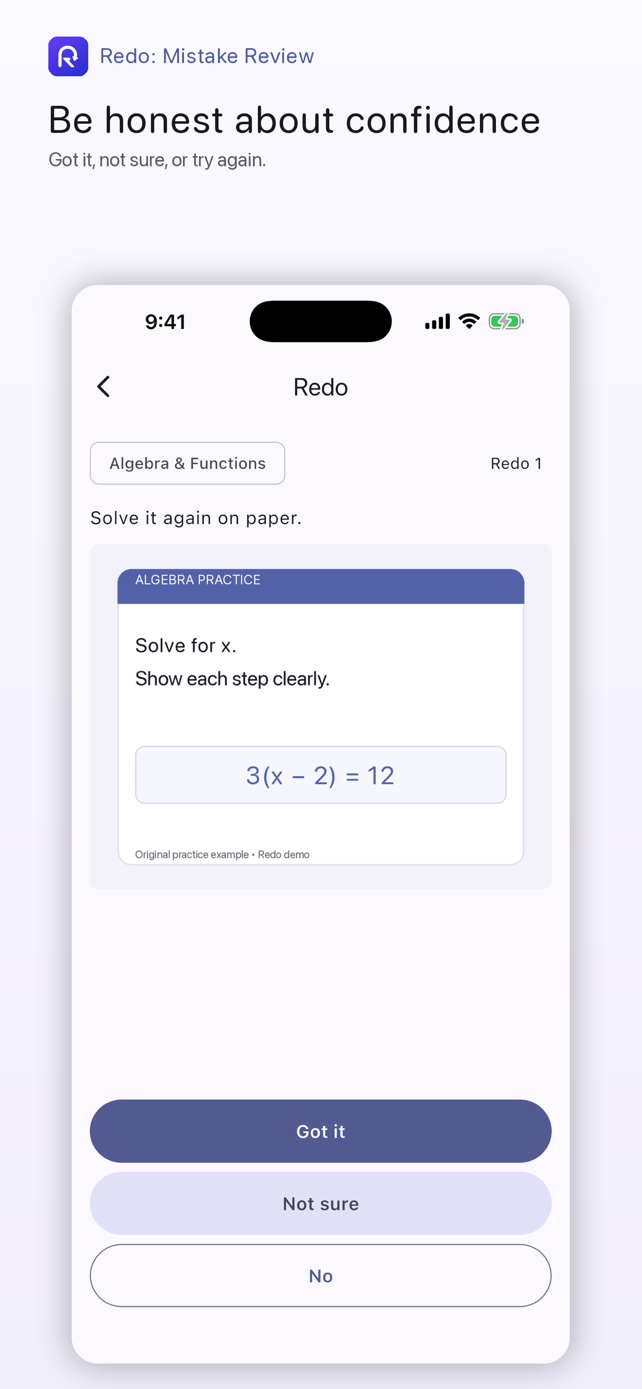
Photo · Topic · ReasonChoose Got it, Not sure, or No. Your next review reflects what you actually know—not guesswork.
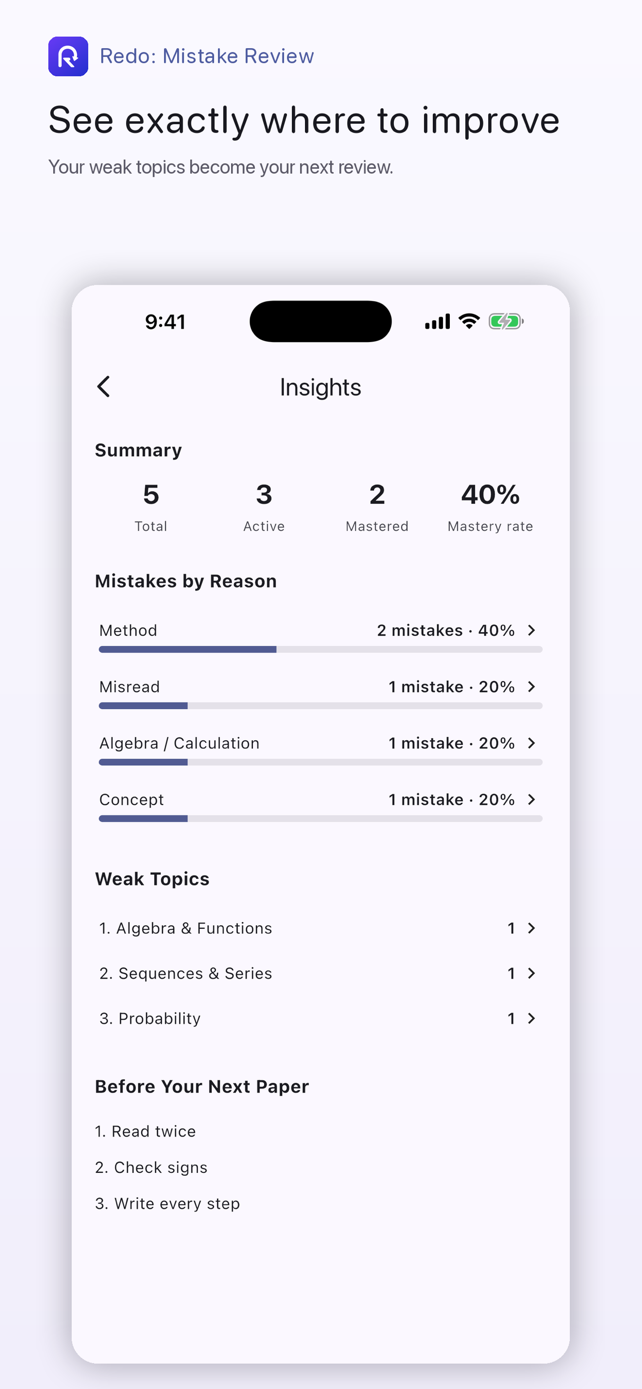
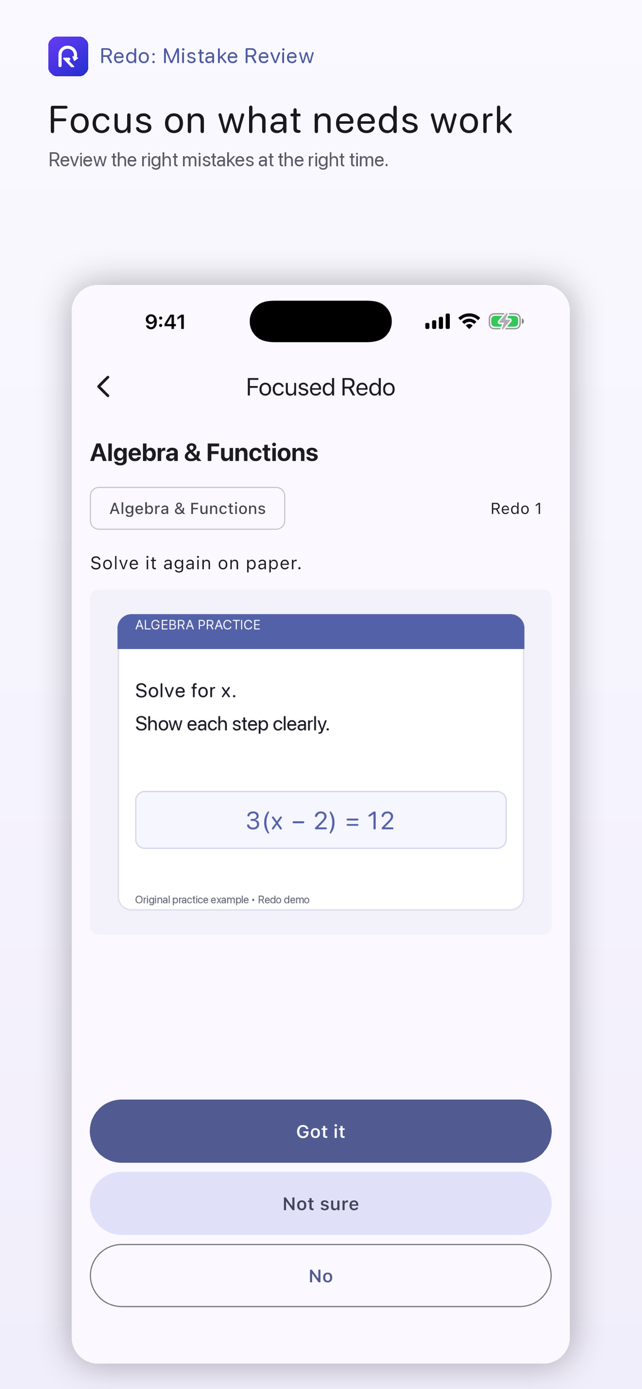
Got it · Not sure · NoUse Insights to spot weak topics or common mistake reasons, then start a focused review of what is due.
Insights · Focused reviewHow it works
Each mistake becomes something you can return to—not something that disappears into a notebook.
Save the question and the context that will help you understand it later.
Return when it is due and give an honest answer: Got it, Not sure, or No.
Use progress and Insights to decide where your next focused session should begin.
Inside Redo
Every screen below comes from the real Redo 1.1 app.
Private by design
Redo does not require an account. Your mistake records, review history, and Redo-managed question images are stored on your device. Your questions and question images are not uploaded to Redo servers.
Redo sends limited product usage events that do not contain your study content. Read the full policy for details.
Read the Privacy PolicyGood to know
No. You can start capturing and reviewing mistakes without signing up or signing in.
Mistake records, review history, and Redo-managed question images are stored locally on your device.
A new mistake is due in 3 days. A first Got it schedules another check in 14 days; a second Got it marks it mastered.
Not sure keeps your current review stage and schedules the mistake again in 3 days. It never marks a mistake mastered.
Ready for another try?